Reposted from my Medium article written on Sept 25, 2020
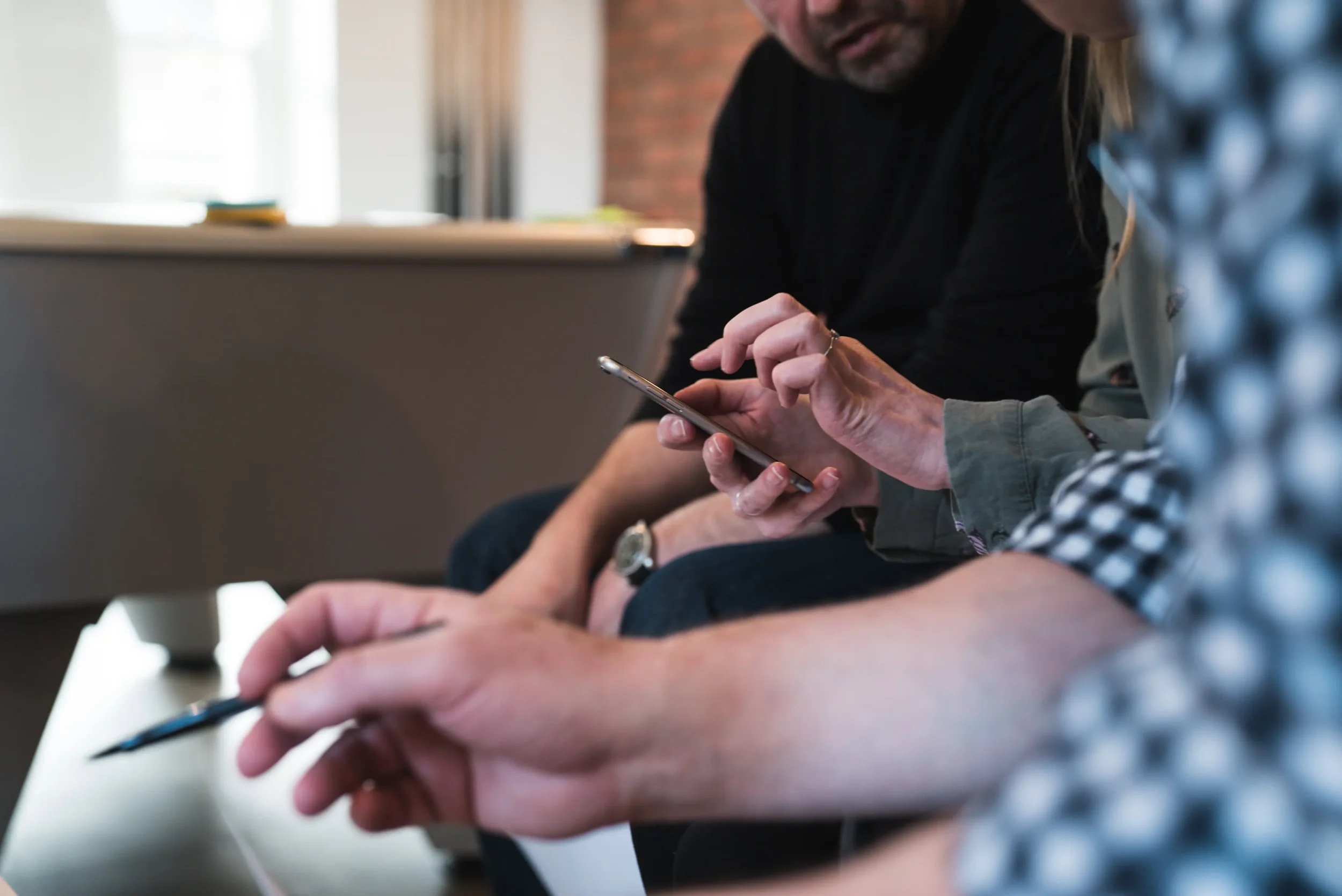
Instead of testing products with the customers face-to-face like the image above, remote usability sessions are completed virtually via video conferencing tools | Photo by Adam Wilson
There are a lot of great articles out there to tell you what to do to successfully run your remote usability tests but have you ever read about what to do to purposely fail at running these sessions?
You know what they say, you learn the best from failure.
Why continue reading the same, repetitive trinkets of wisdom out there when you can start doing things that can help you fail faster. It’s all about new experiences, amirite?
Well, lucky for you, you’ve stumbled onto a goldmine of advice (free of charge!) that can help you do just that.
Firstly, what is remote usability testing?
An article on UserTesting.com describes it nicely below:
“Remote usability testing is a method of remote research that uses an insight platform to record the screen (and voice, depending on the software you choose) of test participants as they interact with your product or experience in their natural environment — at home, in their office, or a specific location.”
With the global pandemic happening, remote usability testing is the perfect activity to do while we are in lockdown. Users can interact with the product without moving from their sofa and you can host these sessions in your pyjamas — win-win!
Note: The tips below apply to ‘moderated sessions’ aka sessions where you will be having 1:1 conversations with the users, not sending randoms a link to test on their own free time (aka unmoderated sessions).
All righty, let’s get started!
1. Have crappy internet connection
It’s a bit difficult to change the reliability of your internet connection, but sometimes there may be a thunderstorm that happens the day before your session which may impact the internet towers around you. That. That is what you need to happen in order to have a really bad connection the next day and speak like an alien to your customers.
2. Work in a room full of distractions
Are you working from home in a common workspace where your roommates or partner share the same table as you? Perfect. Sometimes they might have meetings at the same time as your remote user testing session so your recordings might capture the sounds of their voices in the background. Their voices might even sound louder than the customer themselves after you re-listen to the recording. Awesome, the more sounds you hear, the better.
3. Use new tech on the day of
The most exciting thing during user testing is using new technology, especially tech that you haven’t used before. Haven’t used Quicktime to record your screens before? Well, try it out on the day of and see which screen out of your two screens it will end up recording. You have a 50–50 chance it will record the correct screen.
4. Schedule the sessions in back-to-back
Need to test with a ton of customers? Well, why split it out into two days when you can schedule them in back-to-back into one. Don’t even bother adding break times in between, it’s not like you’re human, right? You might run over your session, but that’s all good. That just gives you an excuse to make a nice entrance to the next one.
5. Hide yo’ face
You’re doing remote user testing, not face-to-face user testing, so why bother showing your face? Make your customers feel like they’re talking to a ghost. They might be confused and wonder if you’re still on the call so just make sure you breathe into the microphone a few times to give them some assurance that a human being is still there.
6. Wing it
Who needs a moderation guide or a script to guide you through the session? These customer sessions should be casual, comfortable, and personable, right? Therefore, just go with the flow and see how your customer reacts to your designs. If they’re happy, sad, mad, or glad, you’ll remember all of that, right?
7. Stick to Plan A only
Sometimes user testing sessions may not go your way, but then sometimes it goes oh-so-smoothly. Let’s assume it’s the latter, so we can just stick to one plan and one plan only. Don’t bother writing down the participant’s mobile number in case something goes wrong. Or worse, create a contingency plan for what happens when tech issues arise.
8. Speak quickly and/or quietly
You know what enunciation is? Yeah, don’t do that. Make yourself sound a bit loony by speaking really fast or quietly like a mouse. Maybe even add a few mumbles and filler words. You’ll definitely get some bonus points the more times you hear a customer say “What did you say?” or “Can you repeat that?”
9. Start your software updates before the session
If you see a pop up reminding you it’s time to upgrade your software just before a user testing session, click on it! Software updates can take anywhere from 5 minutes to 60 minutes to complete. It might load long enough and freeze your entire computer so you can’t even access the customer testing sessions.
10. Let your mind wander
Think about irrelevant things like what you’re having for lunch that day or why there’s a new rash on your face. Once your mind wanders, you will lose focus on where you are in the session and forget what to do next. Heck, you might even accidentally ask the same question twice. Nice! Giving your undivided attention makes you look too good of a moderator and that’s definitely not why we’re all here today.
And voila!
You are now closer to achieving your ultimate goal of being a sucky user testing moderator.
Let me know how you go with completing the activities above. It would be great to hear some of your experiences with remote usability testing!
Disclaimer: Please do not actually use the advice above unless you do want to sabotage your usability testing sessions, then that’s entirely your call! This article was written to provide some humour into what designers and researchers experience when moderating remote usability testing sessions from home. Personal experiences may or may have not been highlighted in this article.
But honestly, remote usability testing has its challenges but it can be extraordinarily rewarding as well. In the past six months, I spent about 2000 minutes speaking to 44 awesome individuals. It was great to connect with them and learn about how they were doing in this COVID-19 environment.
In the end, we are all human going through these new experiences with the global pandemic happening, so it’s nice to support each other during these tough times (even if it’s just to say ‘hello, how are you doing?’ to a stranger virtually).
If you want more tips (err…or actual tips) on how to host remote usability testing, feel free to connect with me on LinkedIn.
Stay strong and stay safe, everyone!
xoxo, knd.